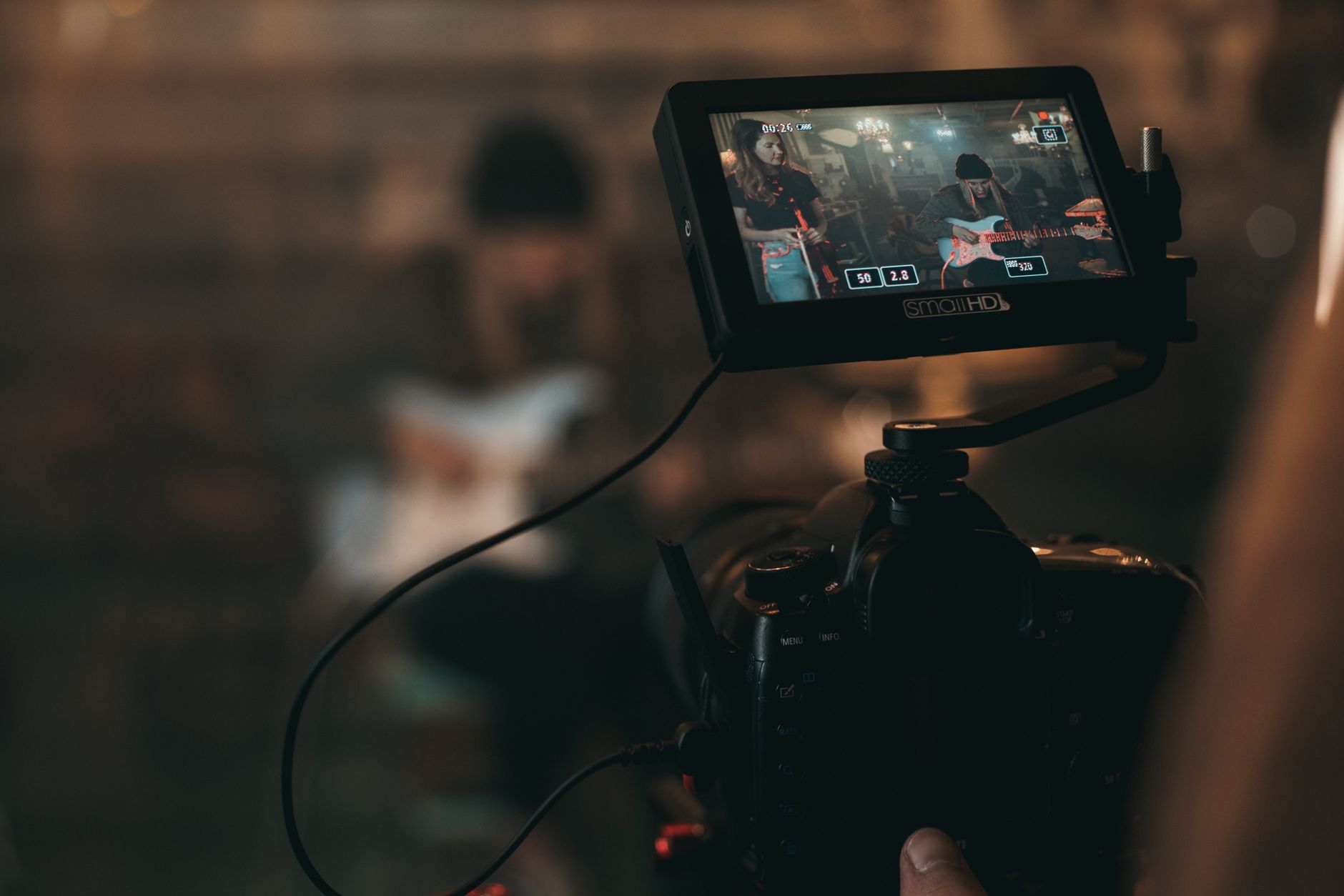
AI music video generators promise to turn your song into a visual experience with a few prompts. The reality is more nuanced. These tools excel at creating atmospheric footage and abstract visuals, but they can't read your lyrics, understand your song structure, or sync visuals to your hook.
If you're planning a music video, you need to know what AI can actually deliver versus what still requires manual editing, planning, and creative direction. Here's the honest breakdown.
What AI Music Video Generators Actually Do
Most AI video generators create short clips based on text prompts. You describe a scene—"neon cityscape at night, rain on pavement"—and the tool generates 3–10 seconds of footage. Some platforms let you chain clips together or extend them, but the output is fundamentally disconnected from your audio.
These tools don't analyze your song. They don't know when your chorus hits, where your beat drops, or what your second verse is about. You get visuals, but the sync work is entirely on you.
What AI video tools are good for:
- B-roll and atmospheric footage: Abstract visuals, nature scenes, cityscapes, textures
- Concept exploration: Testing visual ideas before committing to a full shoot
- Budget filler: Supplementing live footage when you can't afford a full production
- Lyric video backgrounds: Animated textures behind text overlays
What they can't do:
- Sync to your song structure or lyrics automatically
- Generate consistent characters or narratives across clips
- Understand storytelling or emotional arcs
- Replace a coherent creative vision
If you want a video that actually serves your song, you need to plan it around your lyrics and structure first, then use AI as one tool in the workflow.
Planning a Music Video From Your Lyrics
Your lyrics are the blueprint. Before you generate a single clip, map your song structure and identify the visual moments that matter.
Start with a shot list organized by section:
Verse 1: What's the setting? What emotion are you establishing? If your first verse is introspective, you might want close-ups, muted colors, slower movement. If it's energetic, you need action and brighter visuals.
Chorus: This is your money shot. The chorus repeats, so your visuals should too—with variation. Identify one strong visual idea that reinforces your hook. If your chorus is about freedom, maybe it's open roads or wide skies. If it's about heartbreak, maybe it's empty rooms or rain.
Verse 2: Introduce contrast or progression. If verse 1 was dark, verse 2 might add light. If verse 1 was static, verse 2 might add movement.
Bridge: This is your chance to break the pattern. Change the color palette, shift the location, or introduce a new visual element that wasn't in the verses or chorus.
Once you have this structure, you can decide which sections need AI-generated footage versus live shots, performance clips, or lyric overlays.
Matching Visuals to Lyric Themes
AI video generators work best when you feed them specific, concrete prompts. Vague prompts like "sad vibes" produce generic output. Specific prompts like "empty subway platform, fluorescent lights, late night" give you usable footage.
Pull keywords and images directly from your lyrics. If your song mentions "city lights," "broken glass," or "ocean waves," those become your prompts. If your lyrics are metaphorical—"drowning in the noise"—translate that into literal visuals: crowded streets, overlapping faces, static interference.
This is where strong songwriting fundamentals pay off. Concrete imagery in your lyrics makes visual planning easier. Abstract lyrics require more interpretation, which means more creative decisions on your end.
The Workflow: Combining AI with Manual Editing
No AI music video generator will export a finished video synced to your track. You'll need editing software to assemble clips, sync them to your audio, and add transitions.
Here's a realistic workflow:
- Generate your clips: Use your shot list to create 20–40 short clips with AI. Aim for variety—different angles, movements, and moods.
- Import into an editor: Tools like Descript let you edit video on a timeline, sync to audio, and add text overlays if you're creating a lyric video hybrid.
- Sync to structure: Drop clips into your timeline based on your song sections. Match cuts to beat hits, tempo changes, or lyric phrases.
- Add performance footage: If you have any live shots—even just phone footage of you performing—layer them in. Mixed media always looks more intentional than pure AI.
- Color grade and polish: AI clips often have inconsistent color. Apply a unified grade to make everything feel cohesive.
This process takes time. Plan for several hours of editing even if your AI clips generate in minutes.
When to Use AI vs. Shooting Real Footage
AI-generated footage works for abstract concepts, but it falls apart for anything requiring human presence or narrative continuity. If your song is about a relationship, a breakup, or any story involving people, you need real footage.
Consider a hybrid approach:
- Performance clips: Shoot yourself performing the song (even in a single room with decent lighting). Use AI-generated backgrounds or B-roll between performance shots.
- Narrative sections: If your song tells a story, shoot the key moments. Use AI for transitions or establishing shots.
- Lyric video base: Generate textured backgrounds with AI, then overlay lyrics as the primary visual element.
For full guidance on shooting real footage on a budget, see how to make a music video on a small budget.
Distribution and Platform Considerations
Where you're posting your video affects how you should approach production. A YouTube video can be three minutes long with slower pacing. A TikTok clip needs a hook in the first two seconds.
If you're targeting YouTube, you'll want a full-length video with strong retention throughout. That means visual variety, clear structure, and moments that reward repeat viewing. AI-generated clips can fill gaps, but you need enough variety to hold attention for 2–4 minutes.
For TikTok or Instagram Reels, you're working with 15–60 seconds. Focus on your chorus or the most viral-friendly hook. Use AI to generate eye-catching visuals for that single section, then cut aggressively to match the platform's pace.
If you're serious about YouTube monetization, check out how to monetize music on YouTube for the full strategy.
Common Mistakes and How to Avoid Them
Mistake 1: Relying on AI for the entire video. Pure AI videos look disjointed. The lack of human presence or narrative thread makes them forgettable. Solution: Mix AI with performance footage or strong lyric overlays.
Mistake 2: Ignoring song structure. Cutting random visuals to your track without considering verse-chorus dynamics creates visual chaos. Solution: Map your structure first, then assign visual themes to each section.
Mistake 3: Using generic prompts. "Beautiful sunset" produces stock-looking footage. Solution: Pull specific imagery from your lyrics and add descriptive details—time of day, weather, camera angle.
Mistake 4: Skipping color grading. AI clips often have wildly different color palettes. Solution: Apply a consistent grade to unify the look.
Mistake 5: No clear concept. Random visuals don't create meaning. Solution: Define one central visual idea that reinforces your song's theme, then build variations around it.
Frequently Asked Questions
Can AI music video generators sync visuals to my lyrics automatically?
No. AI video tools generate footage based on text prompts, but they don't analyze your audio or lyrics. You'll need to manually sync clips to your song structure in editing software.
Do I need expensive software to edit AI-generated clips into a music video?
No. Free or affordable tools like DaVinci Resolve, CapCut, or Descript can handle video editing and audio sync. The learning curve is steeper than the cost.
Should I use AI-generated visuals or shoot my own footage?
Use both. AI works well for abstract B-roll and backgrounds, but real footage of you performing or acting out your song's story creates stronger audience connection. Hybrid approaches usually look best.
AI music video generators are tools, not magic. They give you raw material, but the creative work—planning around your lyrics, syncing to structure, and building a cohesive visual story—still falls on you. Start with strong lyrics and a clear concept, then use AI to fill gaps and add polish. If you need help writing lyrics that translate into clear visuals, try SONIQ to build your song from the ground up.
Related reading
- AI Lyric Generator: What Works, What Doesn't, and How to Use It
- AI Lyrics Generator: What Separates Good Output From Filler
- How to Make a Lyric Video in an Afternoon (Step by Step)
Photo by Kyle Loftus on Pexels